If you’re a parent, you’ve probably asked some version of this: When do we start? Scratch or Python? Online or nearby classes? And… is this too much screen time? You’re not alone. Almost every family we meet asks the same things.
This guide walks through those questions in plain language—the same order most parents decide them. At GeekashramJr we teach live coding, AI, and robotics to Class 3–12 kids in India, the US, the UK, and beyond. Our students don’t just watch—they build, ask questions, fix bugs with mentors, and proudly present their projects. What follows is what we’ve seen work in real classes, not fancy marketing talk.
At what age should kids start coding?
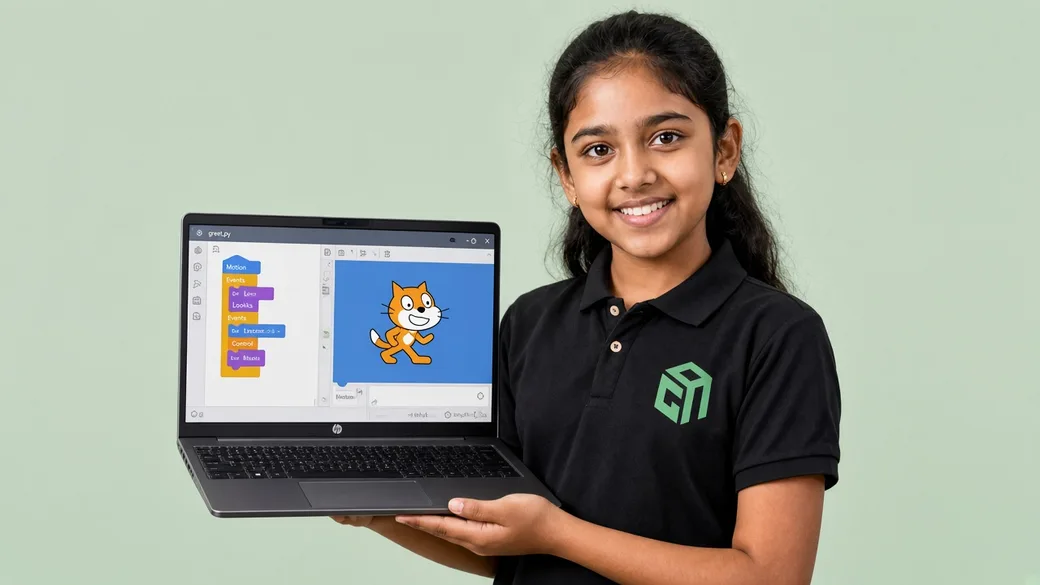
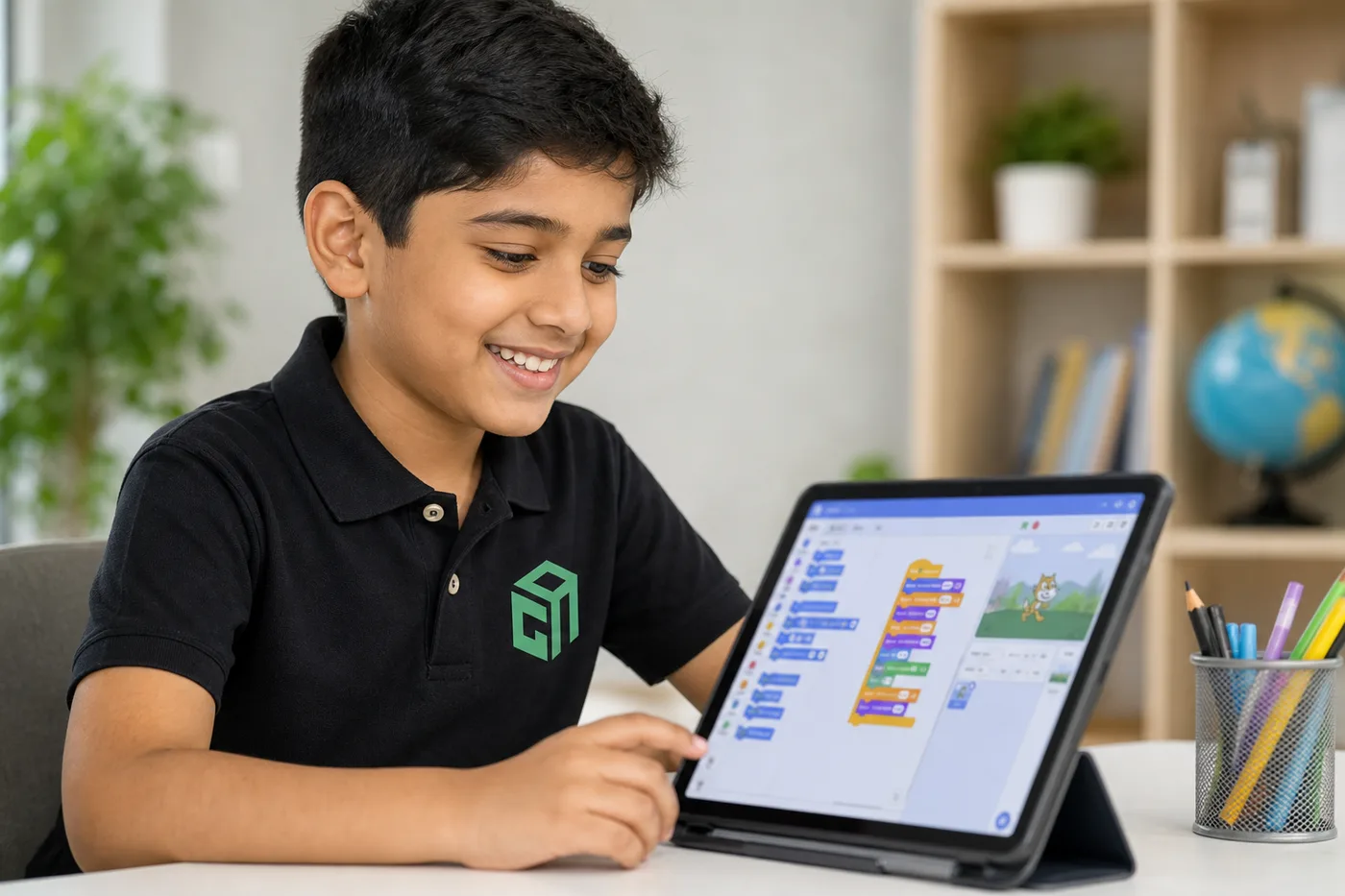
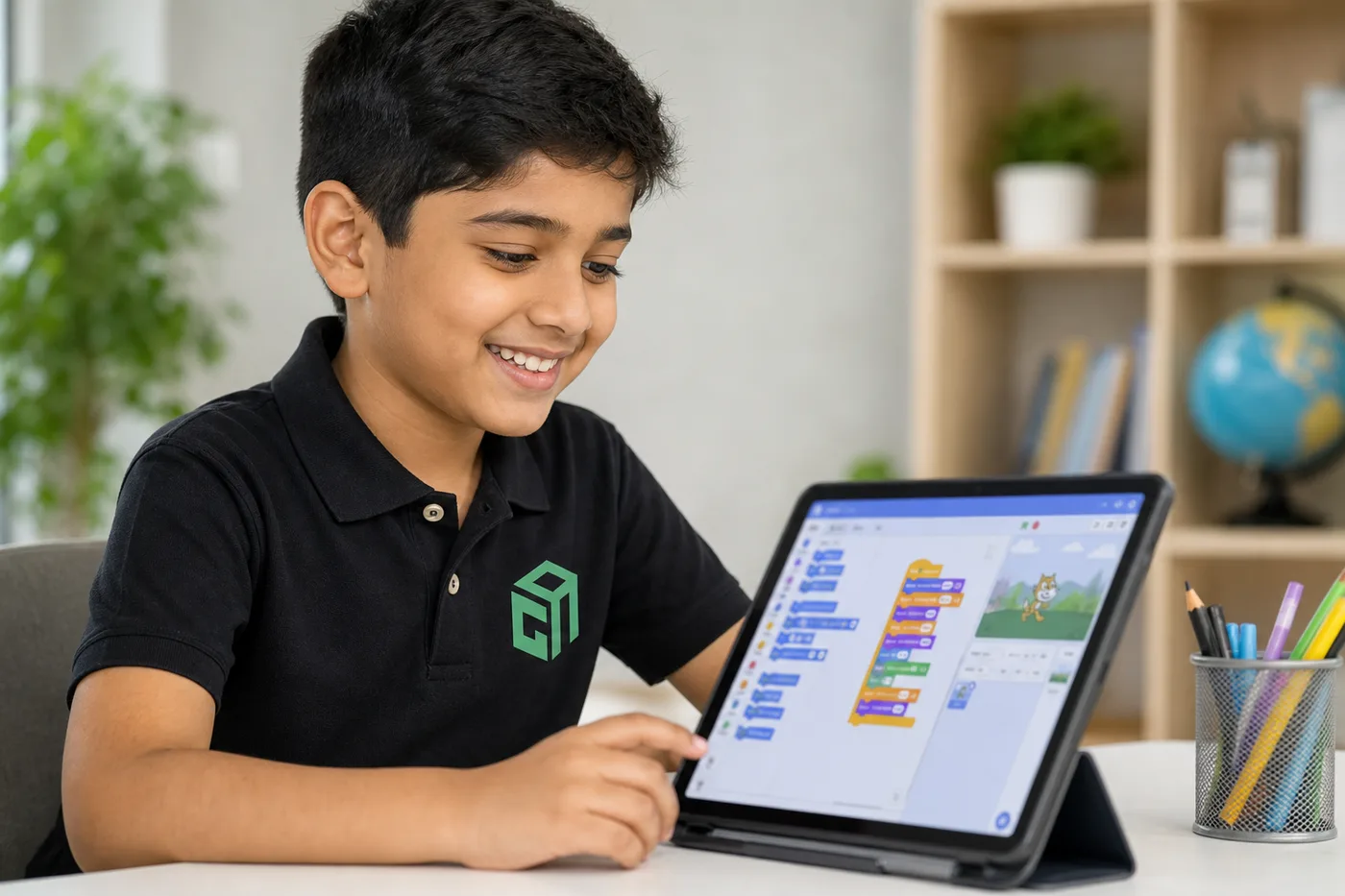
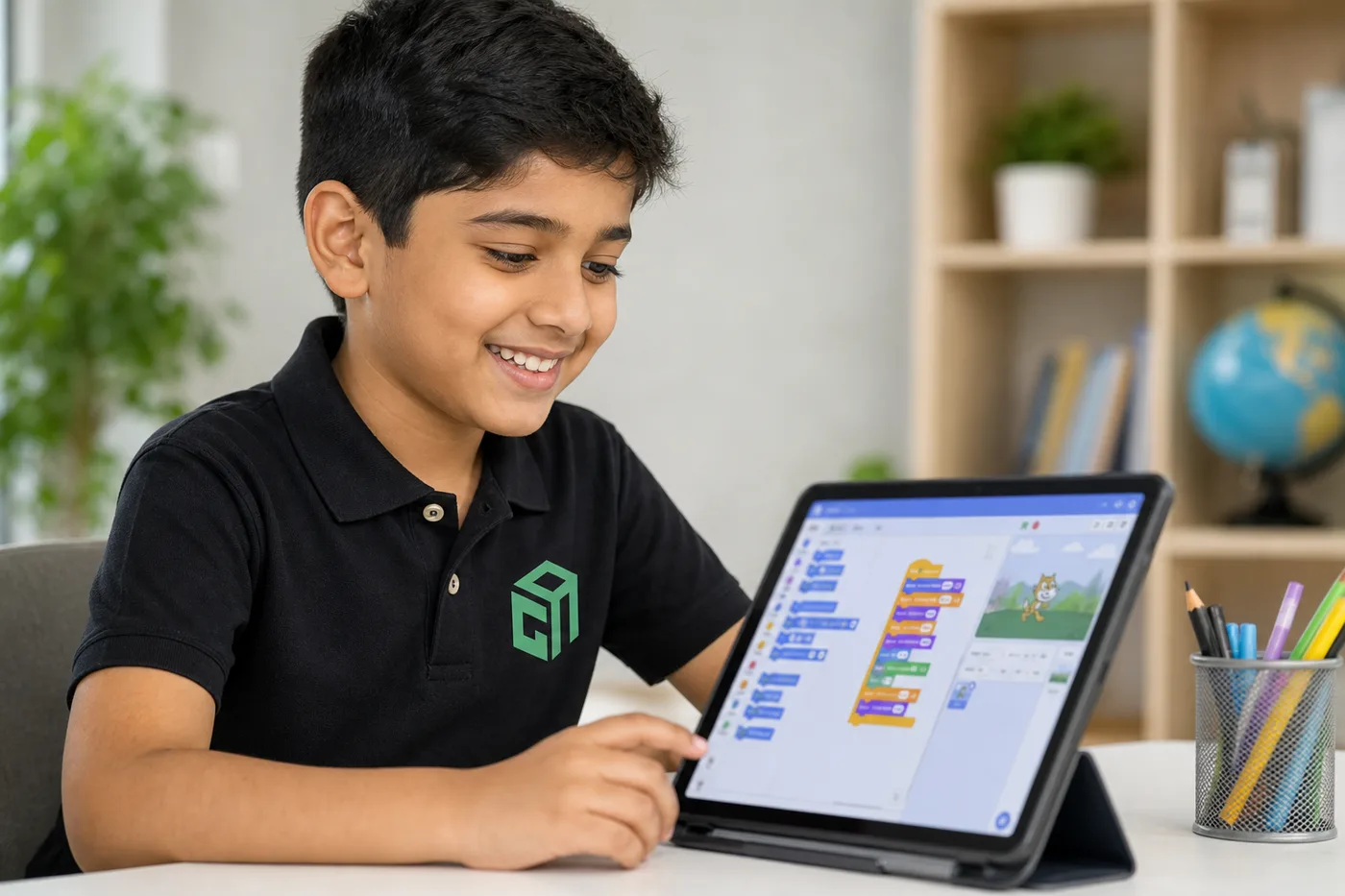
Most kids can start around ages 6–8 with Scratch coding. They learn simple ideas like “first this, then that,” repeating steps, and “if this happens, do that”—through stories and games, not scary code.
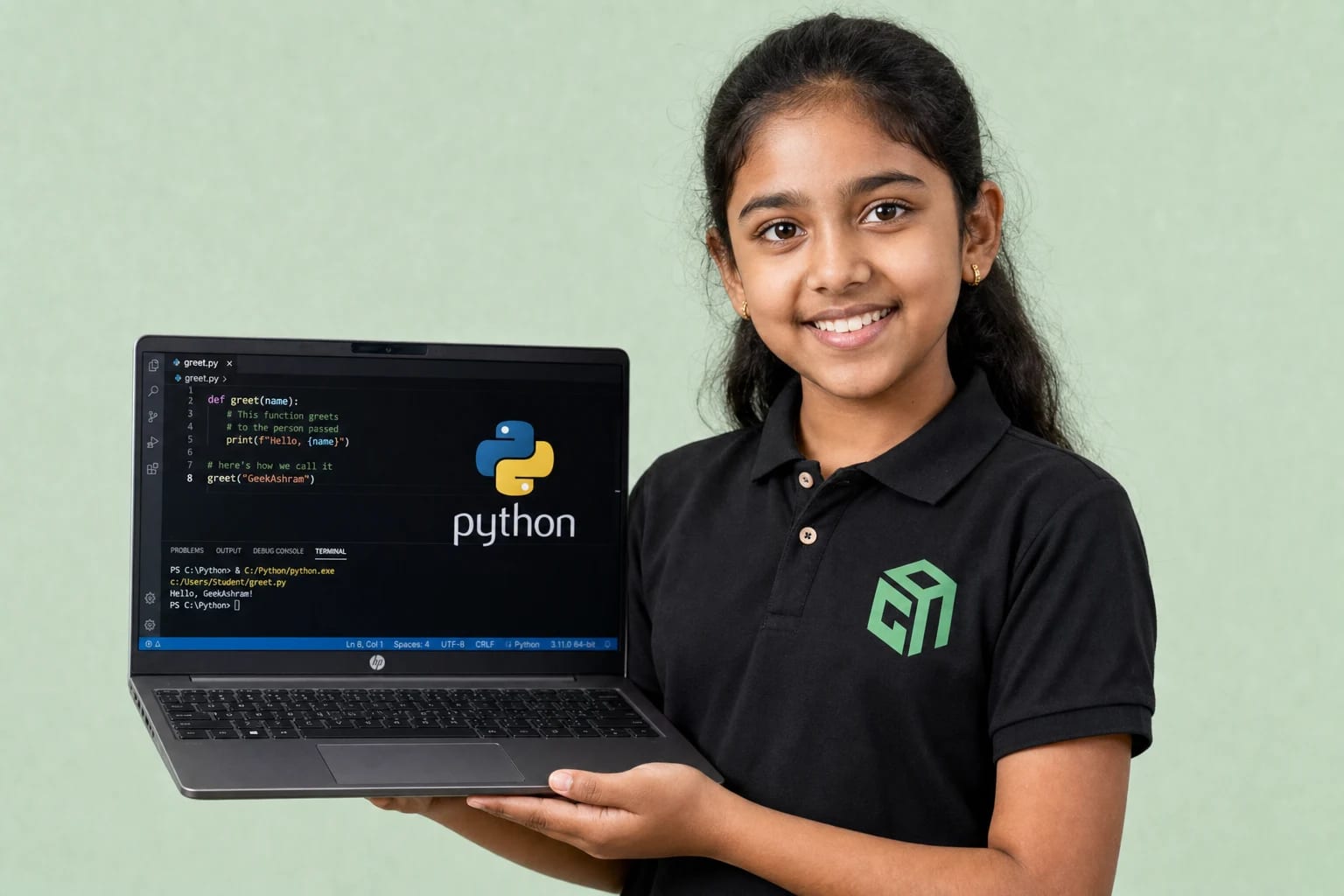
Typing languages usually feel better once typing isn’t stressful—often around ages 10–12. But don’t lock yourself to birthdays. A curious 9-year-old who finishes tiny projects may be ready for gentle Python with a mentor. A 12-year-old who still finds typing hard can stay on Scratch longer and still learn real thinking skills.
Want more detail by age? Read: What age should kids start coding?.
What coding language should my child learn first?
There’s no one “best language” for every child. There’s a best first step for your child this year. Younger kids usually start with Scratch coding. Older beginners often like Python because it reads almost like English—and it opens doors to AI later.
If your child loves games and stories, Scratch is a warm start. If they enjoy typing and puzzles, Python is a strong next step. If they like design, websites feel exciting. And if they love building with their hands, robotics brings code to life. Still stuck between Scratch and Python? These two posts help: Python vs Scratch: Which should my child learn first? and Best coding language for kids in 2026.
How do I choose a coding course for my child?
The best course isn’t the one with the longest PDF syllabus. It’s the one that helps your child finish something—and get unstuck when it breaks. Before you pay for a full term, run through this short checklist.
- Match the age — Scratch for younger kids; typed languages when typing feels okay.
- Pick a first win — a game, webpage, chatbot, or robot demo in the first month.
- Prefer a live mentor for beginners — especially in the first 8–12 weeks. GeekashramJr mentors keep students motivated with small wins every class.
- Check class size and timing — 1:1 usually beats a huge recorded class.
- Try a paid local-currency 60-minute demo (adjusted on enrolment) first — leave asking, “Do they want the next class?”
When you’re ready to look at live options, browse our courses. Python with AI is a favourite for school kids who are ready to type and build.
How much screen time is healthy for coding classes?
Think of coding as “making,” not endless scrolling. For most beginners, a minimum of 2 live classes a week is necessary, plus short practice (20–40 minutes). Keep phones and laptops out of bedrooms at night, and protect sports, reading, and free play.
- Stick to planned classes instead of “just one more video.”
- Stop practice when the small goal is done—not when they’re wiped out.
- Take breaks: stretch, drink water, look away every 25–30 minutes.
- If mood or sleep gets worse, cut back before you quit completely.
How does coding help kids with extraordinary thinking and logic?
Coding is one of the best ways to grow extraordinary thinking in kids. Every project asks them to imagine an idea, plan the steps, and make it work in real life. That habit—thinking beyond the obvious—is what helps children solve school problems, invent new ideas, and stay confident when things get hard.
Logic building happens naturally in every class. Kids learn to break a big goal into small steps, spot patterns, test “if this, then that,” and fix mistakes without panic. Over time, their mind becomes sharper, calmer, and more creative—skills that help far beyond the computer screen.
- Extraordinary thinking — imagining new solutions instead of copying one answer
- Strong logic — deciding the right order of steps and checking what happens next
- Clear problem-solving — breaking a tough challenge into easy pieces
- Creative confidence — turning an idea into a game, website, or robot behaviour
- Better focus — staying with a problem until the project finally works
At GeekashramJr, mentors guide students through this thinking process live—so kids don’t just learn code, they learn how to think. Wondering about an 8-year-old? Read Is coding good for an 8-year-old?. For the bigger “why coding matters,” see Coding is the new English.
What coding classes actually cost (and what to book first)
US live 1:1 tutors often charge $20–$50+ per hour (check their site — we do not invent competitor fees). GeekashramJr live online coding and AI classes are about $11 per session in the US. The first 60-minute live session is $3, adjusted on enrolment. See how much online coding classes cost and the US pricing table.
- Book a trial at /demo — 60 minutes live, not a sales call.
- Share grade, typing comfort, and interest — we place Scratch, Python with AI, web, AI, or robotics.
- US families: USA classes and US prices. UK: UK classes. UAE: UAE classes. Others: all countries.
- Start with two live classes a week and one small project they can show you.
How to start with GeekashramJr
You don’t need a perfect long-term plan. You need one good first class. At GeekashramJr, we make starting simple: talk to a mentor, pick the right path for your child, and begin with live project-based learning from day one.
- Book a paid local-currency 60-minute demo (adjusted on enrolment) — your child meets a live mentor and tries a small project.
- Share your child’s age, interests, and comfort with typing — we’ll suggest Scratch, Python, web, AI, or robotics.
- Start with a minimum of 2 live classes each week — this keeps learning steady and confidence growing.
- Watch your child build real projects — games, websites, AI demos, or robots they can proudly show you.
- Stay in the loop — mentors guide progress, and parents can see how curiosity and logic are growing.
Ready to begin? Explore our coding courses for kids or start with Python with AI. One paid local-currency 60-minute demo (adjusted on enrolment) is often enough for your child to feel, “I can do this.”