A Student with a Project
Already started a game, website, robot, or school assignment and needs help finishing it.
Any student project, mentored live for 10 sessions
The first paid 60-minute live demo is $2.08, adjusted on enrolment, and you get a written learning plan afterwards.
 Their project
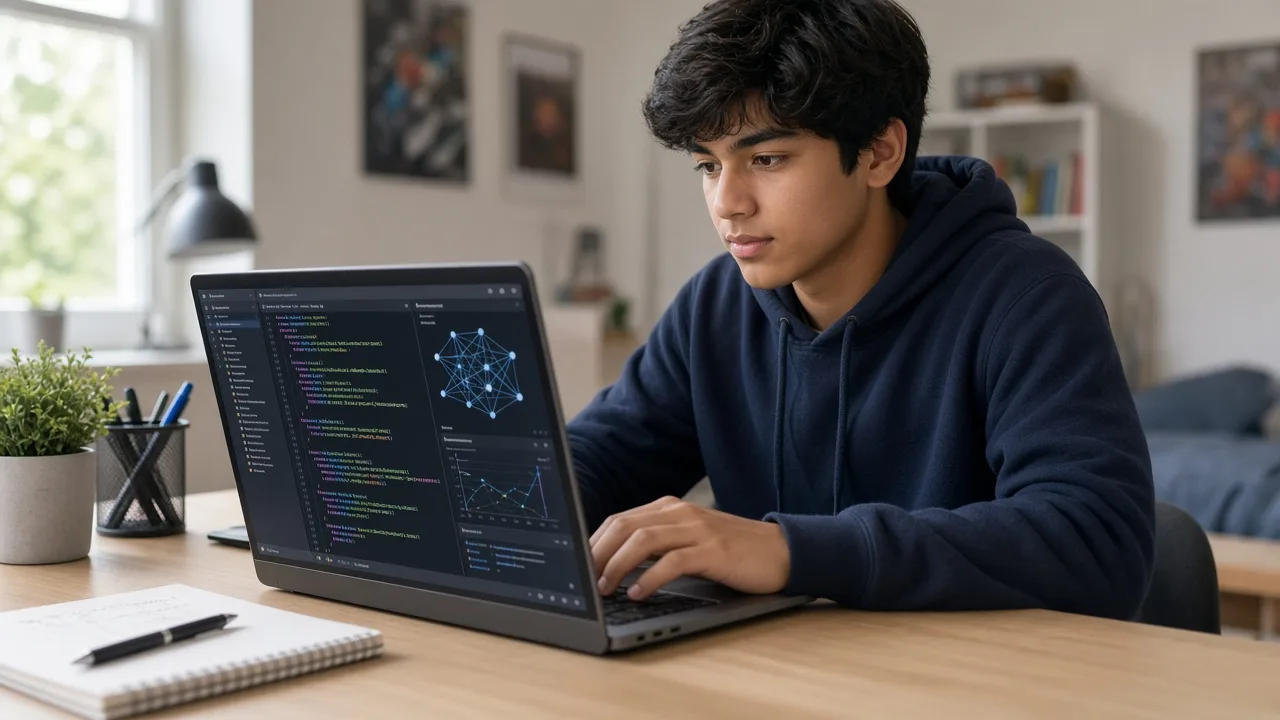
Already started a game, website, robot, or school assignment and needs help finishing it.
Has something they want to make and needs a mentor to turn it into a plan.
Needs live help on a project for class, a fair, or a portfolio.
Finished a track and wants the next 10 sessions spent on their own project.
Ten live sessions on the student’s own project: choose it, plan it, build it with a mentor, and present a finished version.
Goal: Pick one project and agree what finished means.
Project brief
Done looks like this
Modules, topics, projects, and typical live-class time — so parents know exactly what their child will learn. Typical full-course pace: 2 sessions per week · about 1 month (10 live sessions).
| Module | Focus | Duration | Topics covered | Projects / activities |
|---|---|---|---|---|
| 1 | Choose the Project | 2 sessions | What they want to make and who it is for; What already exists, and what is still missing; A clear finish line for the 10 sessions | Project brief; Done looks like this |
| 2 | Plan the Build | 2 sessions | Tools, materials, and what to learn along the way; Milestones for the remaining sessions; The first working piece | Build plan; First working piece |
| 3 | Build with a Mentor | 4 sessions | Live building on their project — code, design, wiring, or research; Debugging what breaks, with the mentor beside them; Keeping the scope small enough to finish | Core project build; Debug log |
| 4 | Finish and Present | 2 sessions | Polish, last fixes, and what to leave for later; A short demo for parents or class; What to do next if they want to keep going | Finished demo |
Screenshots and walkthroughs from mentor-guided Project Mentorship builds — so parents can see the kind of work kids ship.
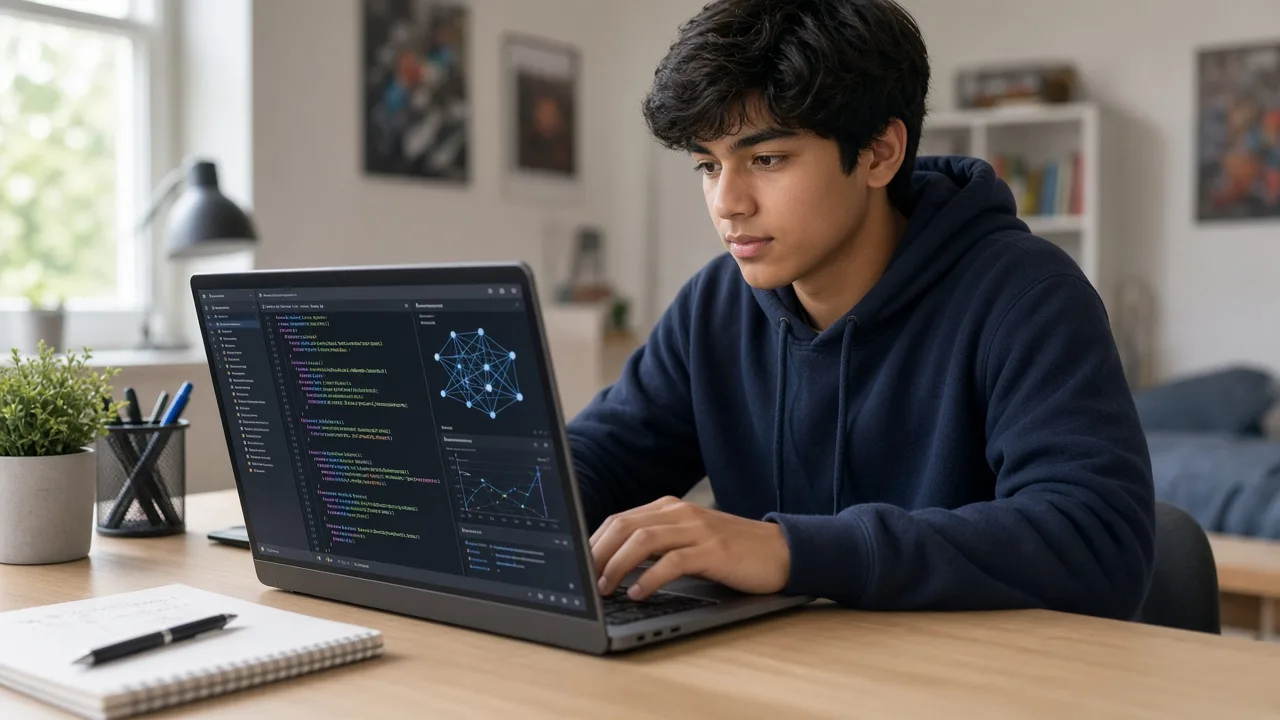
A half-finished game, website, robot, or school assignment. The mentor picks up from where they are and helps them finish a version they can show.
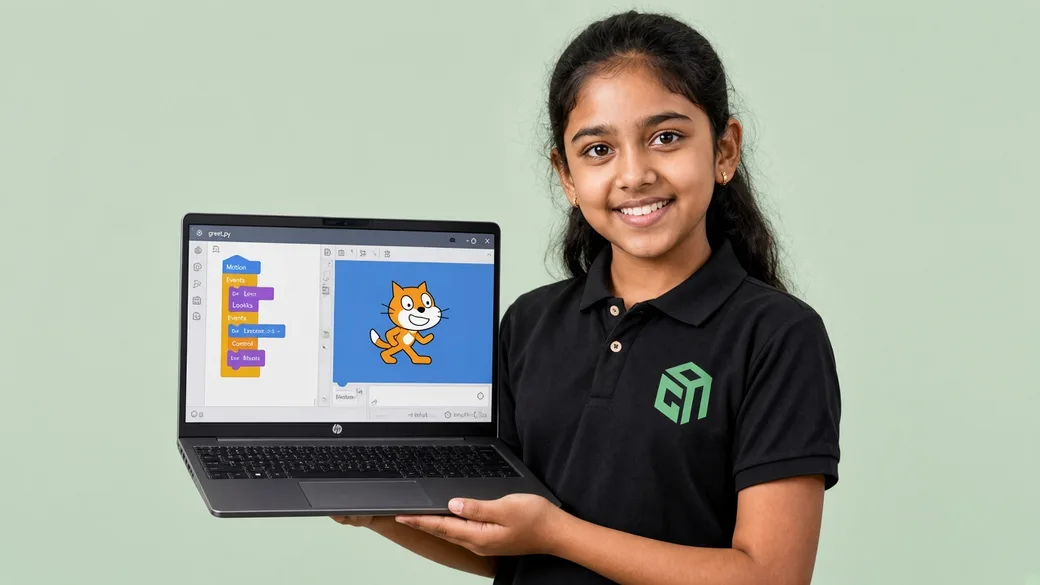
They have an idea and no plan yet. The first sessions turn it into steps, then the rest of the 10 sessions are spent building it.
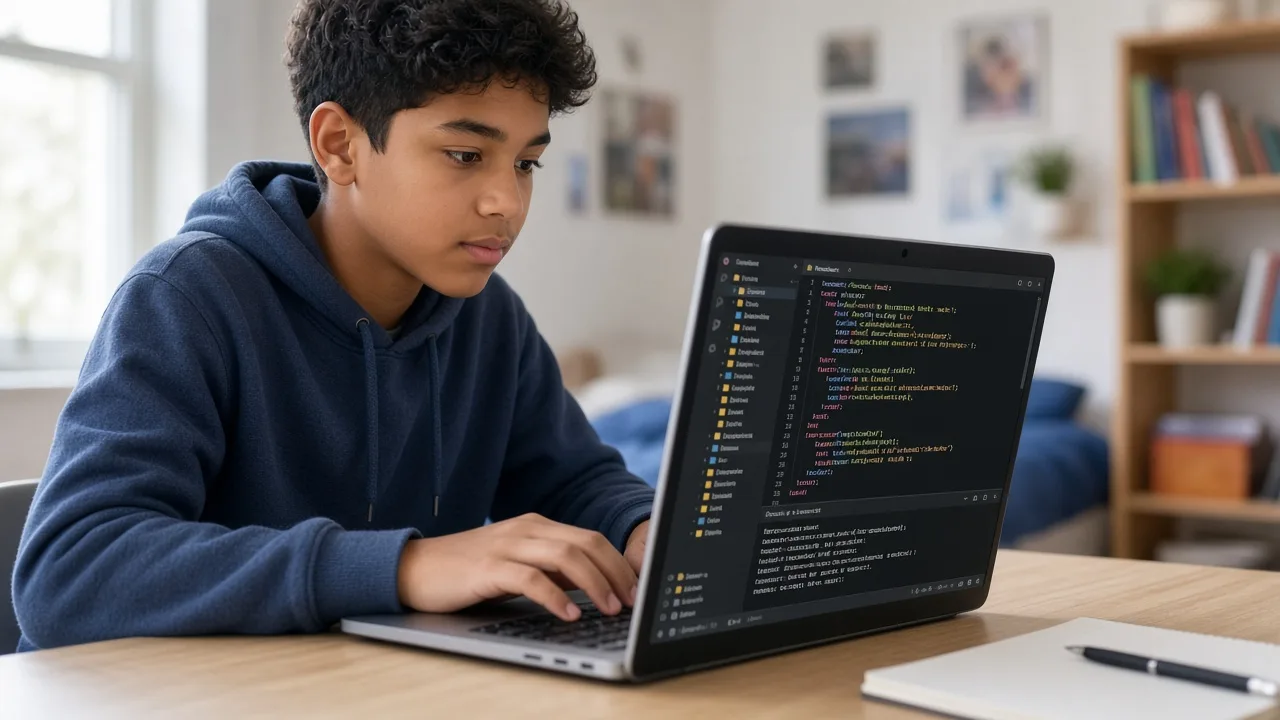
The last sessions polish the work and prepare a short demo — what it does, what they built, and what they would do next.
Open to Grade 3–12. No fixed syllabus and no required starting course. A laptop or the materials the project needs, plus a project idea — even a rough one — is enough. The mentor shapes the 10 sessions around that project.
Course prices are for live 1:1 Super Mentors sessions with hands-on projects and parent updates. Prices shown in USD $ for United States families (approximate local estimates). Try a session before enrolling.
Pay $110$140 for 10 sessions
$110$140 for 10 classes
2 sessions per week · about 1 month
Personal attention & fastest progress
View plan details →Parent guides and STEM articles that pair well with Project Mentorship.

YouTube is free. Apps are cheap. Live online coding is worth it when your child needs a mentor, a finished project, and a pace that matches Grade 3–12 — not another abandoned playlist.
Not sure when your child should start coding, or whether to pick Scratch, Python, or something else? This friendly parent's guide covers ages 6–18, courses, screen time, and simple next steps—without the jargon.
US live coding for kids often runs $20–$50+ per tutor hour. GeekashramJr live online coding and AI classes are about $11 per session, with a $2.08 trial — here’s what that buys.
The best coding language for kids in 2026 depends on age: Scratch for ages 7–10, Python for Class 6+ and teens, JavaScript for websites, and robotics for hands-on builders. Compare options and pick the right first path.
Straight answers for parents comparing live Project Mentorship classes, syllabus depth, projects, and pricing.
Project Mentorship is 10 live sessions for Grade 3–12. The student brings any project — a game, website, robot, science-fair build, school assignment, or a new idea — and a GeekashramJr mentor stays on that project: plan, build, debug, and a finished demo. There is no fixed topic list. The work is whatever the student is making.
Project Mentorship is taught live module by module (10 live sessions). Parents can review the full syllabus table on this page — topics, projects, and typical session time per module — plus download the curriculum brochure.
Students complete mentor-guided projects throughout the course. By the end they typically have: Chosen one project and written what finished means; Built the core of that project in live sessions with a mentor; Presented a working version they can show parents, teachers, or class. Sample project screenshots and walkthroughs are shown above.
Project Mentorship is for students in Grade 3–12. Open to Grade 3–12. No fixed syllabus and no required starting course. A laptop or the materials the project needs, plus a project idea — even a rough one — is enough. The mentor shapes the 10 sessions around that project.
GeekashramJr Super Mentors 1:1 is $11 per session with personal attention. Prices are shown in USD, matching /pricing/usa. Try a session for current offers.
Classes are live online with GeekashramJr mentors — not passive video courses. Students get real-time feedback, debugging help, and project reviews in every session.
It is 10 live sessions on a project the student chooses. A mentor helps them plan it, build it, fix what breaks, and present a finished version. The project can be a game, website, robot, school assignment, or a new idea.
No. There is no set topic list. Any student project can be mentored, as long as it can move forward in 10 live sessions.
10 live sessions: 2 to choose the project, 2 to plan it, 4 to build it with the mentor, and 2 to finish and present.
That is enough. The first sessions turn the idea into a plan and a first piece of work. The rest of the sessions are spent building it.
Try a Project Mentorship session for students Grade 3–12. Meet a mentor, see the teaching style, and get a personalized plan for your child.
Try a session